Video & Sound Editing (Level 2: Adobe After Effects)

Description

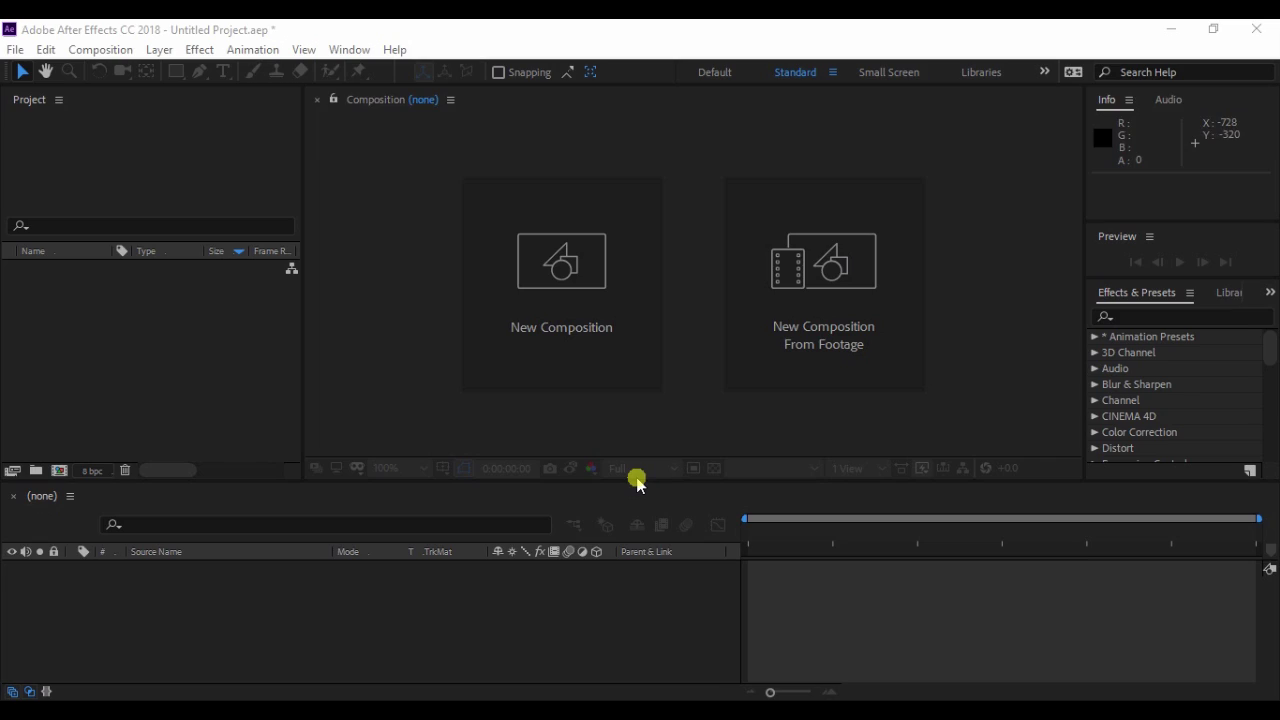
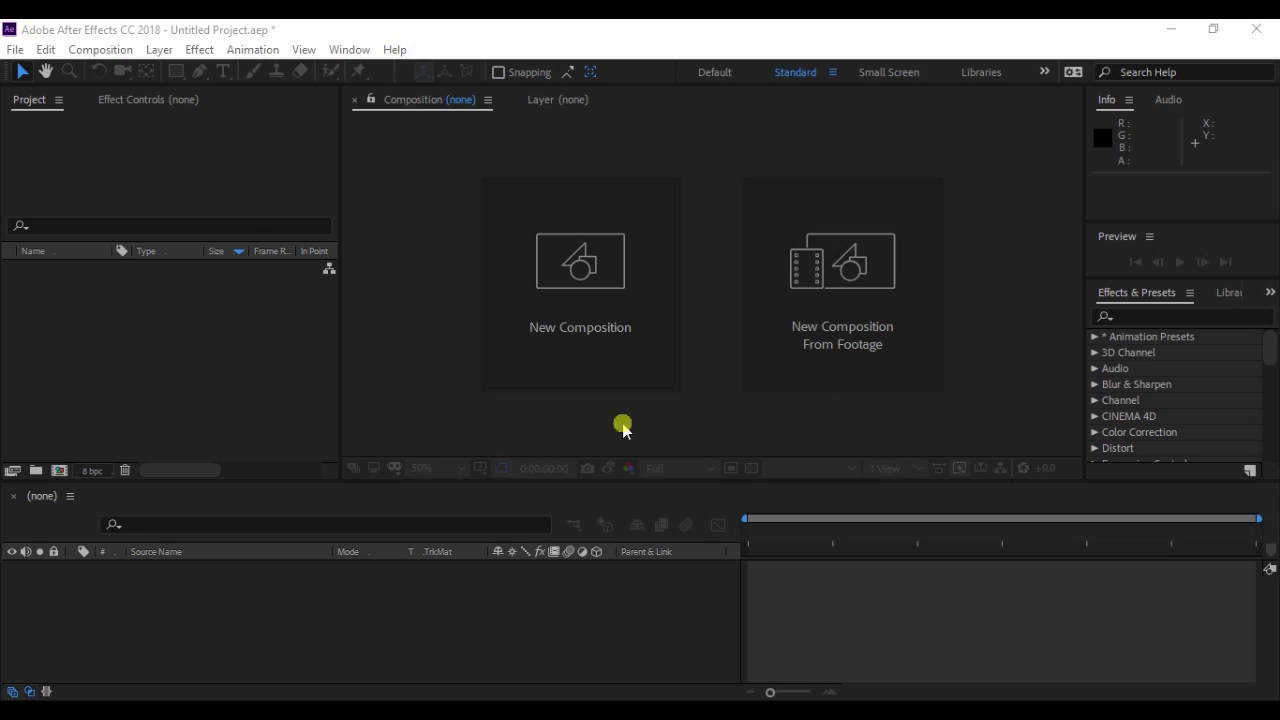
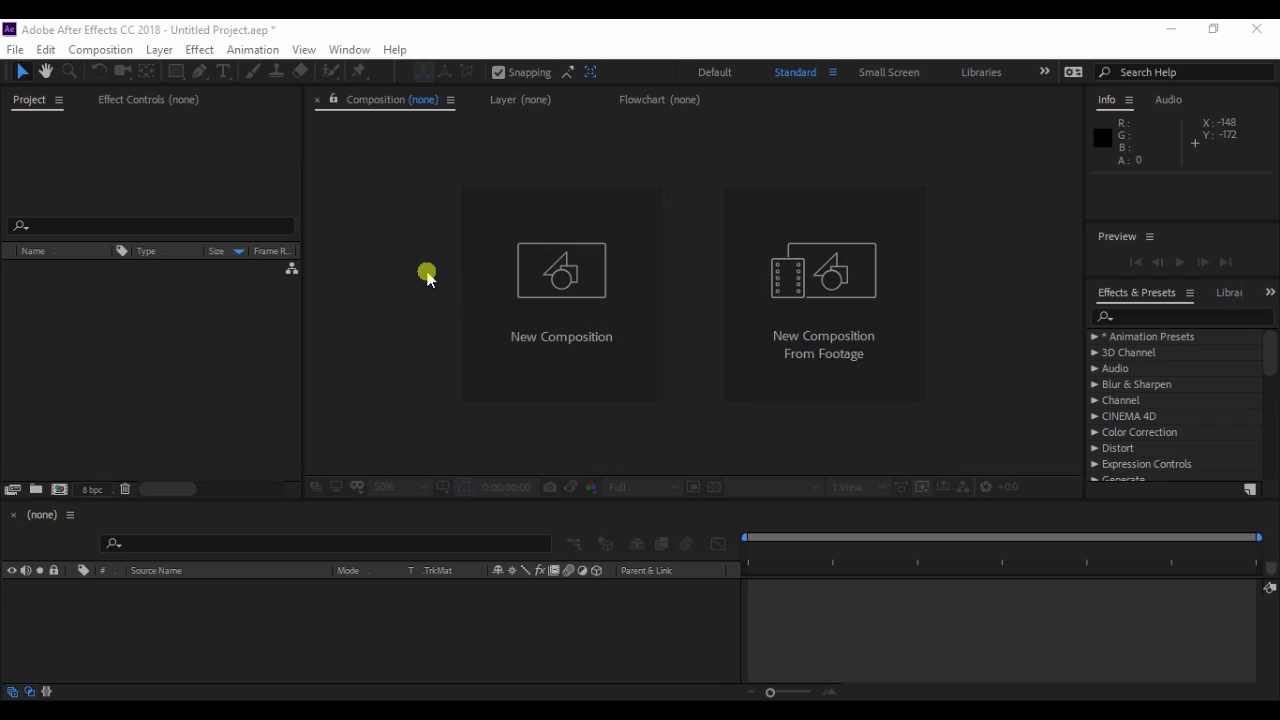
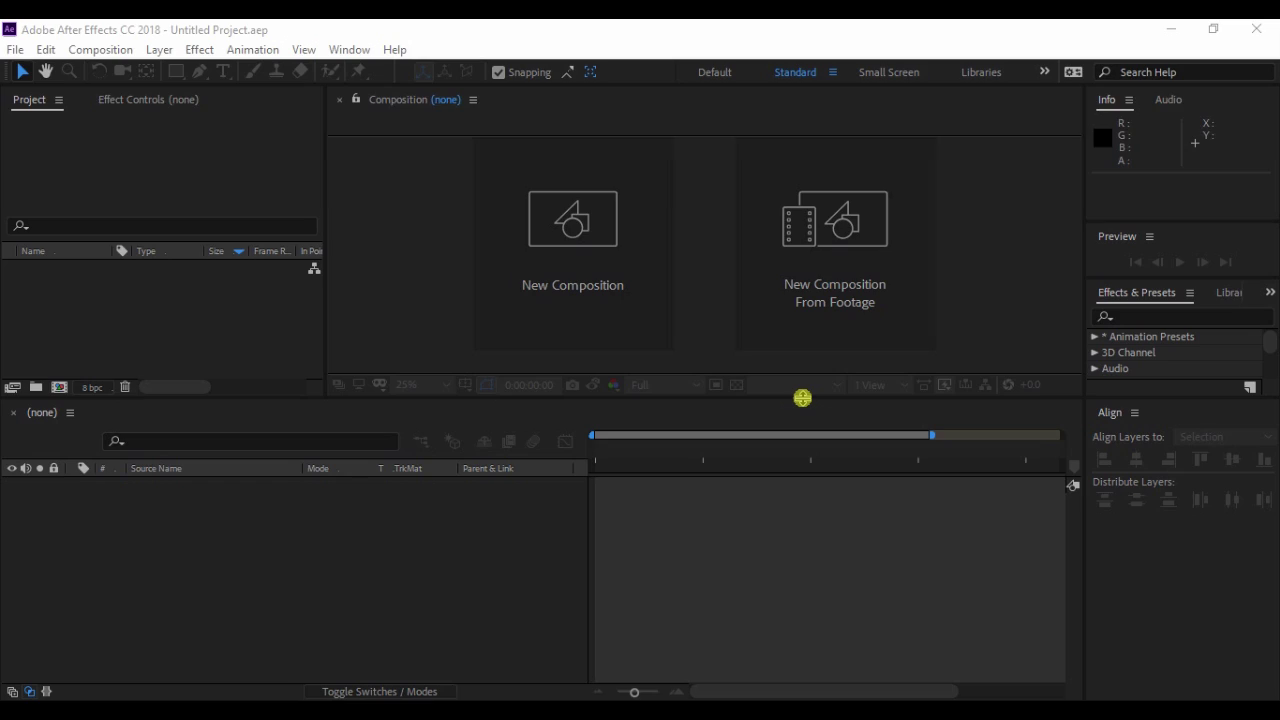
Full featured and flexible, Adobe Premiere Pro is the best video editing software to handle footage for web, TV, and feature productions. Trim, edit, apply transitions and effects, adjust color, and add titles and graphics.Adobe After Effects is a video and animation-based tool that's used to add elements to moving pictures and animations. Most designers use it to create titles, intros, and transition between clips for more seamless video production. So as we all know for making best video we need many editing tools. so this is the one of the best tool for editing and manking animation effects... most required softeare for best editing work

Content

Topic 1 Introduction Of After Effect
00:05:25

Topic 1 Introduction Of After Effect

5 mins 25 secs
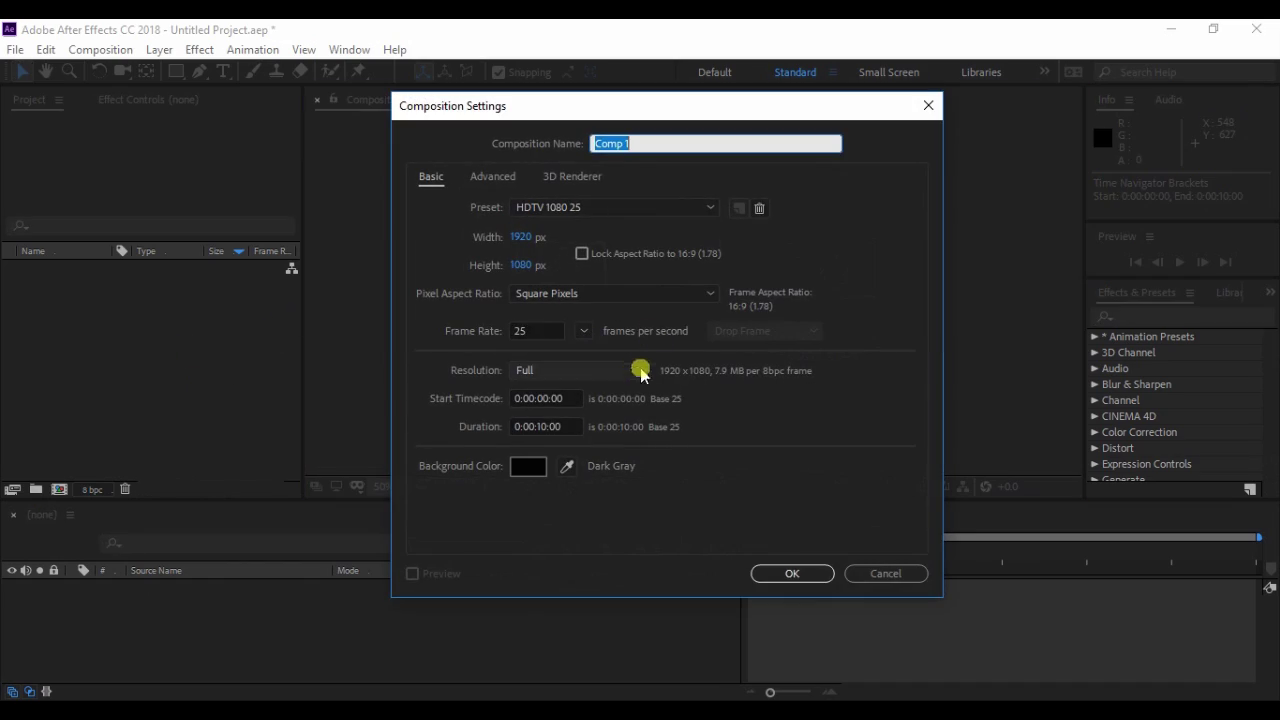
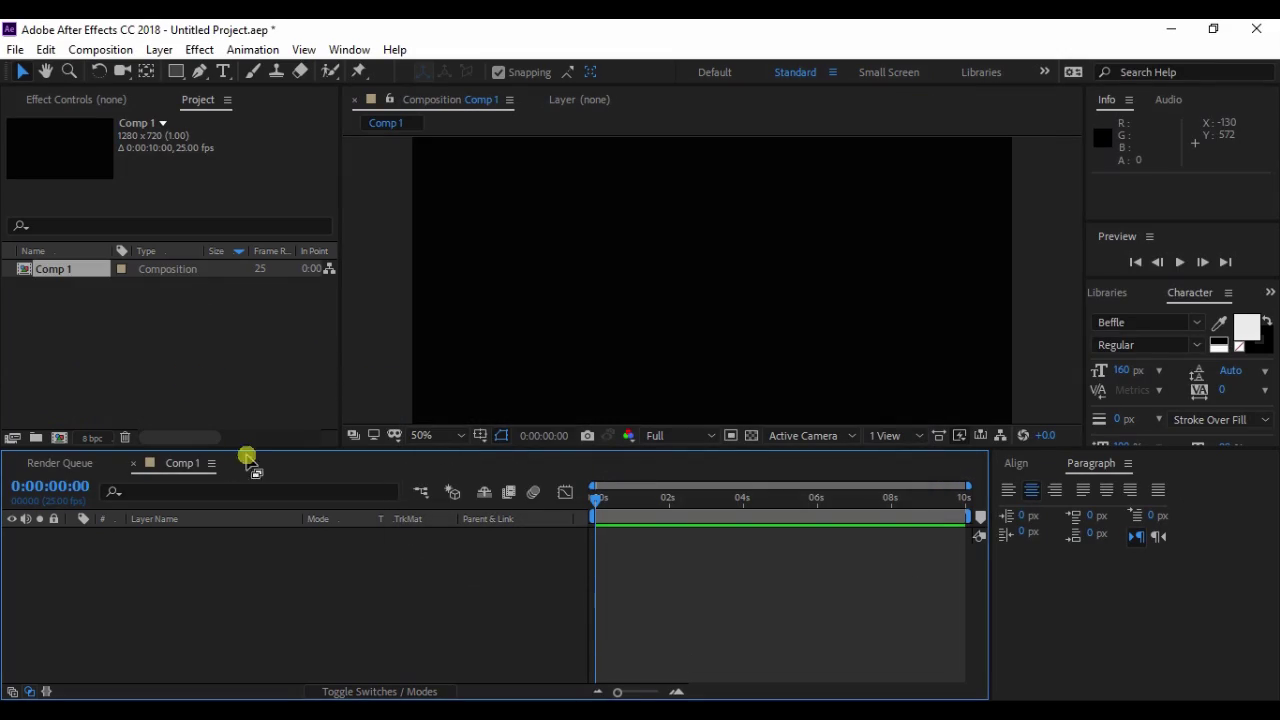
Topic 2 Create Composition And Control
00:13:57

Topic 2 Create Composition And Control

13 mins 57 secs
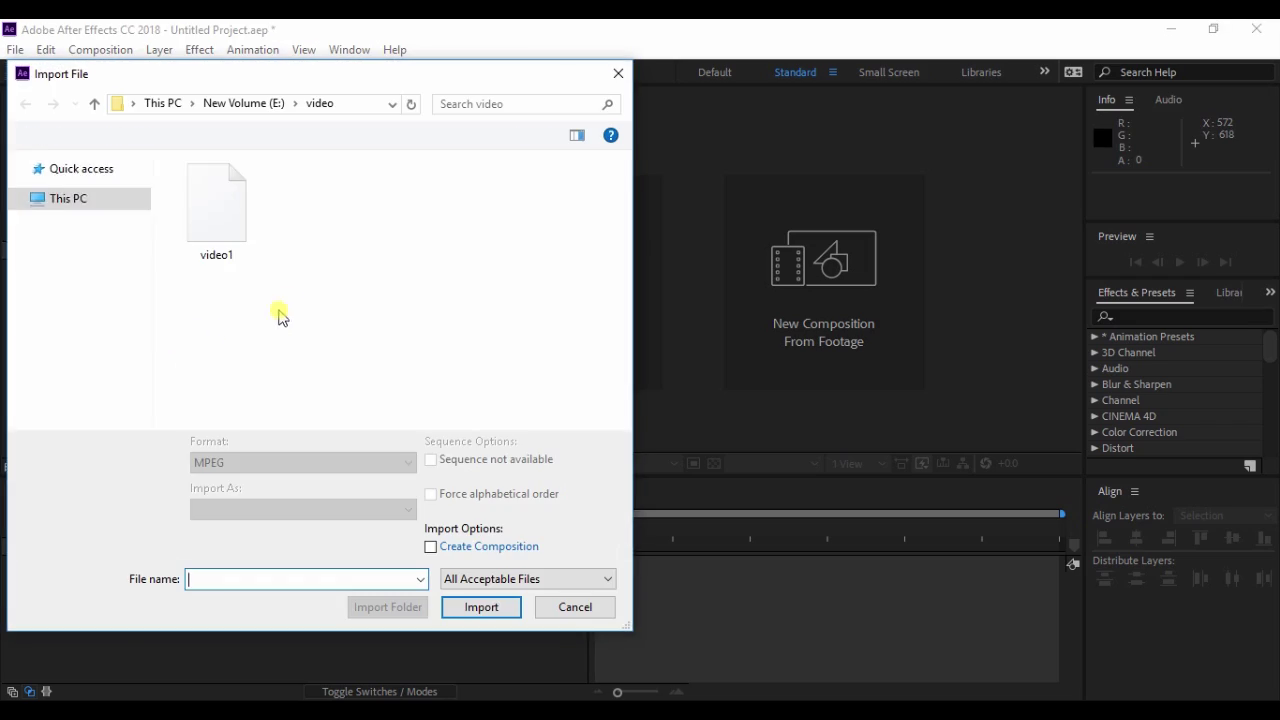
Topic 3 Composition Footage And Import File
00:11:12

Topic 3 Composition Footage And Import File

11 mins 12 secs
Topic 5 Selection Hand And Zoom Tool
00:02:42

Topic 5 Selection Hand And Zoom Tool

2 mins 42 secs
Topic 6 Transform And Alignment
00:11:22

Topic 6 Transform And Alignment

11 mins 22 secs
Topic 7 Insert Keyframe And Transform Animation
00:14:19

Topic 7 Insert Keyframe And Transform Animation

14 mins 19 secs
Topic 8 Rotation Camera Anchor Point Tool
00:07:45

Topic 8 Rotation Camera Anchor Point Tool

7 mins 45 secs
Topic 9 Shape Tool Part 1
00:13:02

Topic 9 Shape Tool Part 1

13 mins 2 secs

Video & Sound Editing (Level 2: Adobe After Effects)

Have a coupon?